Steal Or Die Controls
Master every survivor and entity input before the next heist.
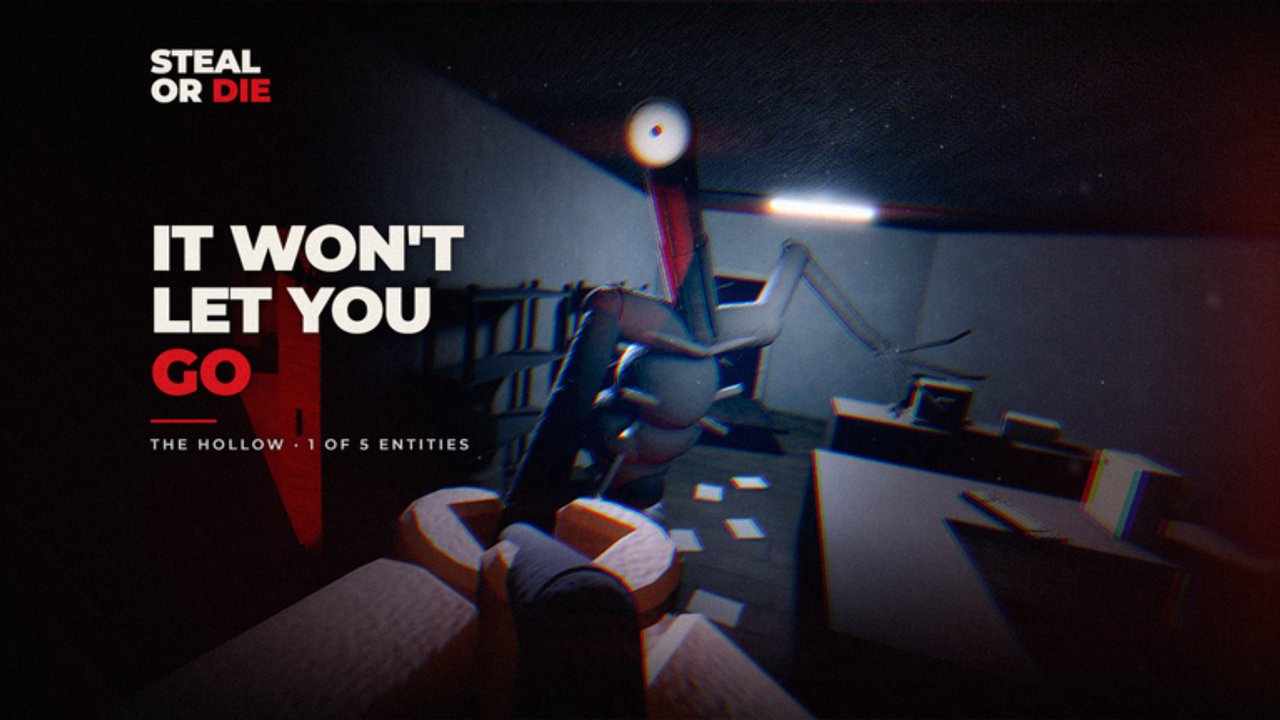
Steal Or Die punishes players who fight the keyboard while the entity listens. This controls guide locks in the PC defaults from the live tutorial and shop UI, then explains how those same prompts appear on phone, tablet, console, and VR. Pair it with Getting Started once the binds feel automatic.
Why controls matter more than cosmetics
Every failed escape that starts with “I hit the wrong key” is preventable. Holding interact at a sealed exit, forgetting to crouch, or leaving the flashlight on while you panic-sprint are input problems first. Version 2.1 did not rewrite the control fantasy — it still expects quiet thieves who know when to hold E, when to dump weight, and when to open the shop after a bank.
Servers still seat up to 15 players. That means crowded audio and crowded doorways. Clean binds keep you from adding extra noise while you sort a backpack mid-chase.
PC keybind table (survivor defaults)
| Action | Key | Practical note |
|---|---|---|
| Move | WASD | Tutorial default; crouch while moving indoors |
| Steal / interact / escape | E / Hold E | Tap to loot and open prompts; hold E at an open exit to leave |
| Throw held item | Hold F | Dump dead weight before a chase |
| Crouch | Ctrl | Default stealth posture — stay crouched unless a wing is clear |
| Unscrew vents | Hold LMB | Needs the screwdriver tool; pre-open quiet minutes |
| Skill tree | V | Spend progression points (not shop cash) |
| Shop | M | Cash upgrades, entity cards, passes, season content |
| Backpack / drop | B | Open inventory management; drop what you cannot carry |
| Attack (entity only) | LMB | Close-range entity strike on monster rounds |
Memorize three survivor habits first: Ctrl crouch, Hold F throw, Hold E escape. Everything else supports those three.
Backpack and the B key
Backpack capacity is a shop upgrade bought with cash, but the B key is how you manage what already sits on you. Open the backpack when you are safe — closet, quiet wing, or post-exit lobby — not while the entity is on your stairs. Drop commons that block a mythic you actually plan to bank, or drop the mythic if weight has already ruined your sprint.
Hold F throws the item currently in hand. B is for broader inventory decisions. Confusing the two mid-chase is a classic beginner death. Upgrade order and shop vs skill tree details live in Skill Tree and Upgrades.
Entity attack input
On Entity Player rounds, left mouse button is your attack. Timing windows feel tight in community reports — practice short lunges instead of spamming into empty air. You still move with WASD and still broadcast footsteps, so monster rounds are not “hold sprint forever.” Read hunt structure in Play as Entity and threat identities on the Entities Hub.
Spectating returned in the November 2026 Version 2.1 shout: after you die or finish a match role, you can watch the entity player again. You cannot read lobby chats while that spectate is active in-match — plan callouts before the round if your group relies on external voice.
Mobile, tablet, console, and VR
Steal Or Die advertises phone, tablet, console, and full VR support. Those platforms remap the same actions to on-screen buttons, gamepad prompts, or VR grips. Rules that stay true everywhere:
- Prefer crouch locomotion indoors.
- Kill the light cone before you rotate.
- Hold the interact control at exits — tapping once is not always enough.
- Find the throw / drop control before you greed a heavy bar.
- Open shop and skill tree only between rounds or in safe downtime.
On mobile, fat-finger mistakes are common near the Mimic-era UI — Version 2.1 specifically called out a mobile Mimic fix. If a prompt looks stuck, check whether you are in a three-second cooldown window; that cooldown bug was also listed in the same shout.
Controls by phase of the round
Lobby
- Confirm map vote and Entity AI vs Entity Player.
- Open M once so you know where cash upgrades live after you bank.
- Open V only if you have unspent skill points from prior escapes.
First ninety seconds
- Enter crouched (Ctrl).
- Tap E for light loot only.
- Note one closet and one vent line; pre-hold LMB on vent bolts if you carry a screwdriver.
Mid-round pressure
- Hold F to throw when weight ruins crouch-sprint.
- Use B in a closet if you must reshuffle — never in an open aisle.
- Do not open M or V during a chase.
Exit window
- Stage near the door early.
- Hold E when the exit opens.
- Celebrate cash only after the leave animation finishes.
Hiding inputs pair with this page — see How to Hide for closet and vent discipline.
Common control mistakes
- Tapping E at the exit instead of holding through the escape prompt
- Sprinting with flashlight on because “move keys feel faster”
- Forgetting Hold F exists and dying overweight in a straight hallway
- Opening the shop with M while the entity is audible on the same floor
- Mixing skill tree (V / points) with shop upgrades (M / cash)
- Attacking as entity from max range instead of committing to a close LMB
- Dropping the wrong item from B because you panicked mid-animation
- Assuming console glyphs match PC letters without reading the on-screen label
Map-aware input tips
On American Dorm and Office, short rooms make crouch + closet loops easy — keep Ctrl glued down. On Supermarket and Facility, long sightlines punish accidental sprint taps. On the Version 2.1 map Basement, learn landmark prompts before you invent hotkey macros; treat new geometry like Facility until exits are memorized. Route ideas sit in Maps and Loot.
Event rounds such as Bloodbath (still referenced in the 2.1 Rictus doorway fix) raise the cost of mis-clicks: one wrong sprint into a doorway can end the bag. Adapt plans in the Events guide.
Practice drill (ten minutes)
- Private or quiet lobby: crouch-walk a full wing without releasing Ctrl.
- Pick up a heavy item, Hold F throw it, confirm sprint returns.
- Open B, drop one junk piece, close inventory, relocate.
- Find a vent, Hold LMB unscrew, exit crouched.
- Reach an open exit and Hold E until you leave.
Run the drill once before you chase rebirth goals in Rebirth.
Bottom line
Steal Or Die controls are simple on paper and lethal when sloppy. Internalize WASD, crouch, Hold E, Hold F, B, V, and M on PC, then trust on-screen labels everywhere else. Quiet, correct inputs print cash; frantic mashing prints kill cams.
Frequently Asked Questions
Quick answers to the most common questions.
What key opens the shop in Steal Or Die?
On PC, press M for the shop (cash upgrades and entity cards). The skill tree is a separate menu on V that spends points.
How do you escape through an exit?
When the exit is open, hold E on PC (or the on-screen interact control on other platforms) until the leave prompt completes.
What does the B key do?
B opens backpack management so you can drop items. Hold F throws the item currently in your hands.
Are controls the same on mobile and VR?
Actions match, but prompts remap to touch, gamepad, or VR grips. Always follow the live on-screen labels instead of memorizing only PC letters.